
The eCommerce Migration Framework: How to Switch Platforms Without Losing SEO or Data
March 20, 2026 0 comments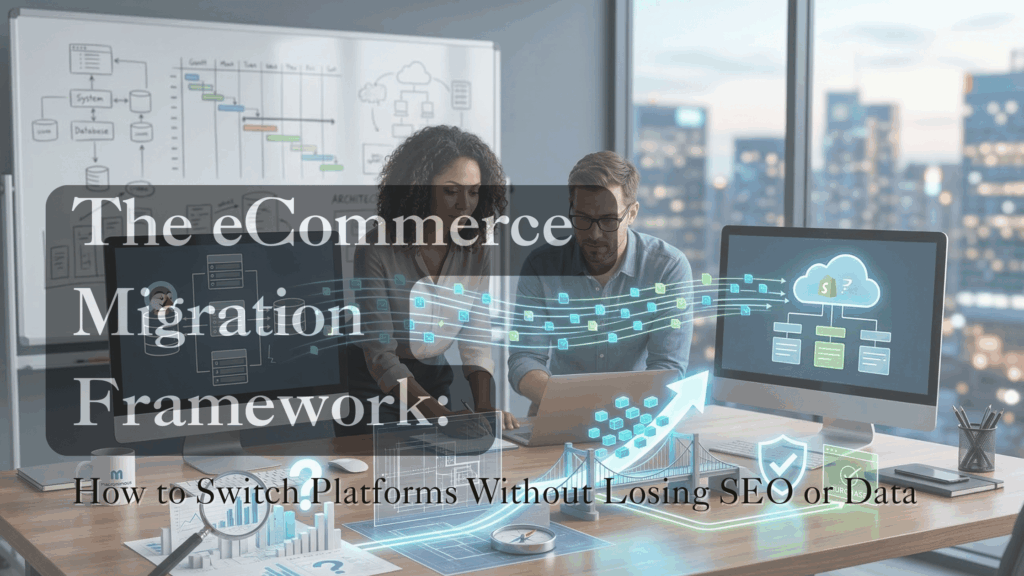
A botched migration can kill a decade of SEO in a single afternoon. For e-commerce business owners, moving from a platform like PrestaShop to Shopify isn’t just a “copy-paste” of data—it’s a high-stakes heart transplant for your business. If the data doesn’t align or the URLs break, your organic traffic can vanish overnight.
At Macronimous, we have spent over two decades navigating these transitions. We’ve seen exactly where the data breaks and where the traffic drops. To manage this risk, we use a disciplined Audit-Map-Migrate-Verify framework.
If you are planning a migration, here is the practical reality of what happens at each stage and how to handle the common pitfalls.
1. Audit: The Reality Check
Before moving a single byte, you must catalog your entire ecosystem. This is where most projects fail because they only look at “Products.”
- The Practical Issue: Clients often overlook “hidden” data. Think about customer reward points, gift card balances, or custom tax overrides for specific regions. If these aren’t audited, they disappear.
- Macronimous Pro-Tip: Run a “Technical Debt” audit. Migration is the best time to delete 500-word descriptions for products you haven’t sold in years. Don’t migrate junk; it only slows down your new site.
2. Map: The Architecture Bridge
PrestaShop and Shopify speak different languages. Their database structures (schemas) do not match. Mapping is the blueprint that tells the legacy data exactly where to go in the new system.
- The Practical Issue: URL structures change. PrestaShop might use
/category/product-name, while Shopify uses/products/product-name. If you don’t map these, every indexed link on Google will lead to a 404 Error. - Macronimous Pro-Tip: Create a 301 Redirect Map for every single legacy URL. This is the only way to “handshake” with Google and carry over your hard-earned rankings to the new store. Talk to your SEO about this. Even if the client is not engaging you for SEO, this step is crucial.
3. Migrate: The Heavy Lifting
This is the technical transfer. We never migrate directly to a live site; we use a staging environment (a “sandbox”) first to verify the results.
- The Practical Issue: Password encryption. You cannot migrate customer passwords from PrestaShop to Shopify because they use different encryption methods.
- Macronimous Pro-Tip: Plan for a “Customer Invite” campaign. After migration, send a bulk email via Shopify asking customers to “Activate” their accounts and set a new password. It’s a great excuse to offer a “Welcome to our new store” discount code.
4. Verify: The Safety Net
Migration is only successful once it is proven. We don’t just check if the product exists; we check if the business logic survived the trip.
- The Practical Issue: “The Ghost Order.” Sometimes a product migrates perfectly, but the connection to the payment gateway or a specific shipping rule breaks at the final step.
- Macronimous Pro-Tip: Perform End-to-End (E2E) Testing. Place a real order on the staging site using a real credit card. If the tax isn’t calculated correctly or the notification email doesn’t trigger, the migration isn’t finished.
Why a Structured Framework Matters: At Macronimous, we understand that store owners often feel overwhelmed by the technicalities. By following the Audit-Map-Migrate-Verify framework, we take the guesswork out.
Don’t leave your data to chance.
Moving your store is a high-stakes operation. Whether you are moving from PrestaShop, Magento, or a legacy setup, our Audit-Map-Migrate-Verify framework ensures your SEO and sales stay intact.
Related Posts
-
 December 1, 2014
The beauty of search queries that Google loves
One of the key SEO strategies is the use of targeted keywords put in search engine by users. While keywords, at our SEO division, we not only look at keywords meaning to define the search queries combination but also look at it more holistically to include relevant terms to these
Internet Marketing, Search Engine Optimization, Welcome0 comments -
 February 22, 2019
3 Reasons not to rely on Google My Business alone.
Google My Business, also mentioned as GMB, is an excellent platform made available by Google for Business Owners. In fact, it is more or less designed to help local businesses promote their business. With its one-click route map, Phone calls etc, it is a very useful one, especially for the prospects.
